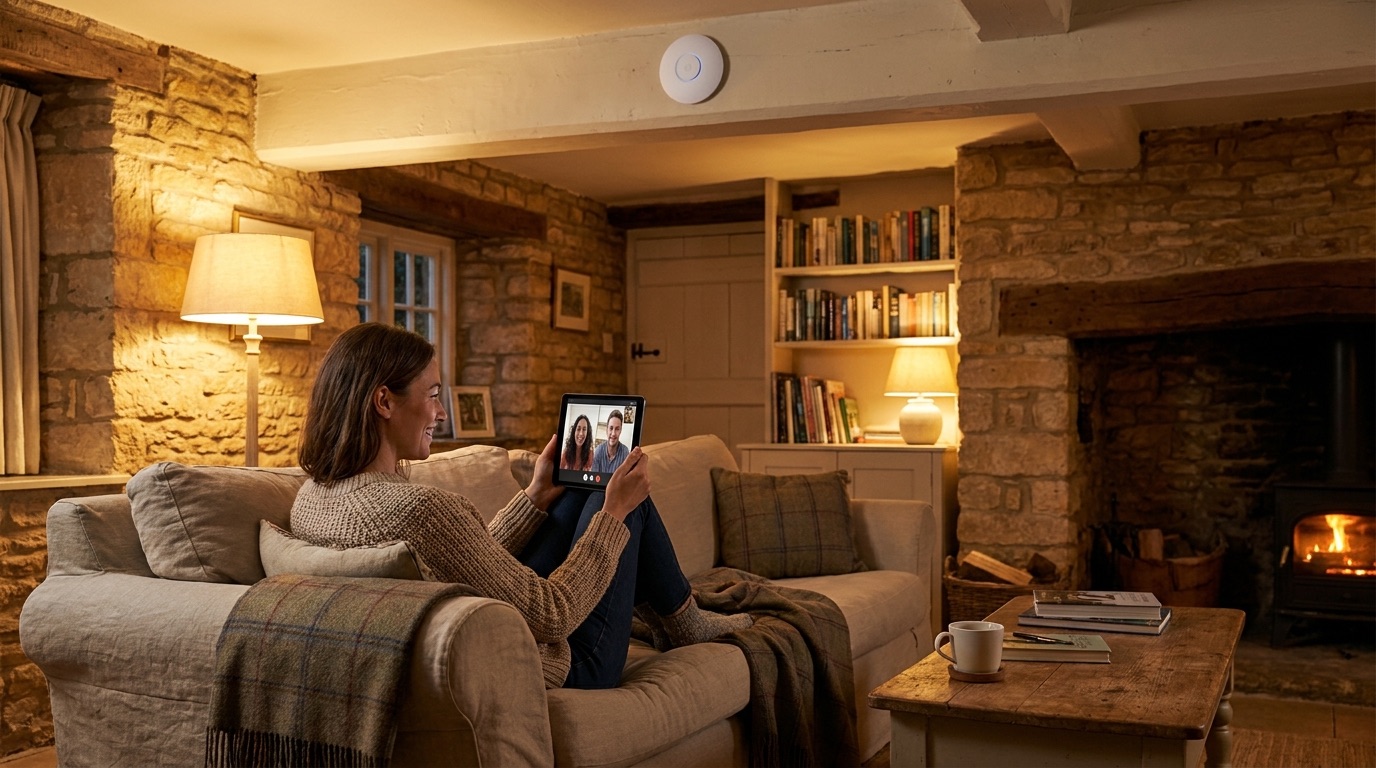
Working from home in the countryside should be a joy — until your Teams call freezes mid-sentence, your VPN drops for the third time before lunch, and the office at the far end of the house has barely any signal at all. If that sounds familiar, the problem usually isn't you and it often isn't even your broadband speed. It's the network between the router and where you actually work. Here's why rural home working goes wrong, and how to build WiFi that survives a full day of video calls.
Why your video calls keep dropping
Video calls are unforgiving. Unlike downloading a file, a Teams or Zoom call needs a steady connection every single second — a brief stutter that you'd never notice while browsing will freeze your camera or drop you from the meeting. In a rural home, several things gang up on that steadiness.
- Distance. One router in the hallway simply can't reach a home office at the other end of the house, a converted loft, or a studio down the garden.
- Stone and thick walls. Older and rural properties have solid walls that absorb WiFi, so the signal arriving at your desk is far weaker than the router suggests.
- One overloaded router. The whole household — TVs, phones, smart devices, someone streaming upstairs — is leaning on a single box while you're trying to present.
- Contended rural broadband. Some rural connections slow down at peak times when the wider area is busy, so a "fine" morning speed test doesn't guarantee a stable 4pm call.
Any one of these can drop a call. Together, they explain why a speed test can look healthy while your meetings still fall apart.
What actually fixes it
The goal is a strong, stable connection at the desk where you work — and a network that keeps going when the broadband has a wobble.
A dedicated access point where you work
Rather than hoping the hallway router reaches your office, we put a proper access point in the room (or garden studio, or barn office) where you actually work. It only has to cover that space, so it delivers a strong, consistent signal right at your desk.
Wired backhaul to the office
Wherever we can, we link that access point back to the main connection with a network cable ("wired backhaul") using a system such as UniFi/Ubiquiti or TP-Link Omada. A wired link is the single biggest upgrade for call reliability — it removes the weak wireless hop that usually causes the freezes, so your office gets full-speed, rock-steady internet.
Prioritising your work traffic
On a properly designed network we can prioritise the traffic that matters (QoS), so a big download or the family's streaming doesn't starve your video call of bandwidth at the worst moment. Your meeting stays smooth even when the house is busy.
A resilient connection with backup
For anyone whose income depends on being online, a single connection is a single point of failure. We can add a second, independent connection — such as Starlink or a wireless bridge from another building — so that if your main broadband drops, the network fails over and your call keeps running. It's peace of mind on the days it really counts.
Coverage for the garden office or barn
If you've moved out to a garden studio, an outbuilding or a barn office, we can extend a strong, wired-quality connection to it — often with a short wireless bridge — so working away from the house doesn't mean working with one bar of signal.
Frequently asked questions
Why do my video calls drop even though my speed test is fine?
Because speed and stability are different things. A speed test measures a quick burst; a call needs a steady stream every second. A weak or fluctuating WiFi signal at your desk — or a router being shared by the whole house — causes drops that a speed test simply won't reveal.
Can you get WiFi to a garden office or barn?
Yes — this is one of the most common jobs we do. A dedicated access point, usually fed by a wired link or a short wireless bridge, gives an outbuilding proper coverage rather than a weak leftover signal from the house.
Do I need faster broadband or a better network?
Very often it's the network, not the broadband. If your speed is fine but calls still drop, upgrading the line won't help — improving the WiFi and wiring at your desk will. A site survey tells us which it is before you spend anything.
Can I have a backup connection?
Yes. We can set up a second, independent connection (such as Starlink or a bridge) that takes over automatically if your main broadband fails — ideal if your work can't afford downtime.
How quickly can you install?
It depends on the property and what's needed, which is exactly what the £99 Network Health Check establishes. We'll give you a clear picture of the work and timescale before anything starts.
If your working day is being interrupted by dropped calls and dead-zone dread, start with our £99 Network Health Check — a full assessment of your home network, credited in full against any work you go ahead with. Call Ricardo on 07862 441924 or book a £99 Network Health Check online, and let's make your home office actually work.