All articles
8 July 2026
Rural WiFi installation for country homes: what actually works
Why country homes struggle with WiFi — and what actually fixes it. Connections, mesh, wiring and what a professional rural install involves.

8 July 2026
Why country homes struggle with WiFi — and what actually fixes it. Connections, mesh, wiring and what a professional rural install involves.
If you live in a country home in Northamptonshire, Oxfordshire or Buckinghamshire, you already know the pattern: decent WiFi in the room with the router, a flaky signal in the kitchen, and nothing at all in the back bedroom or the garden office. It isn't bad luck, and it usually isn't your broadband provider being useless. Rural properties break the assumptions that ordinary home WiFi kit is built around — and fixing that properly is a design job, not a shopping trip.
Here's an honest walk through why country homes struggle, what your options are, and what a professional rural WiFi installation actually involves.
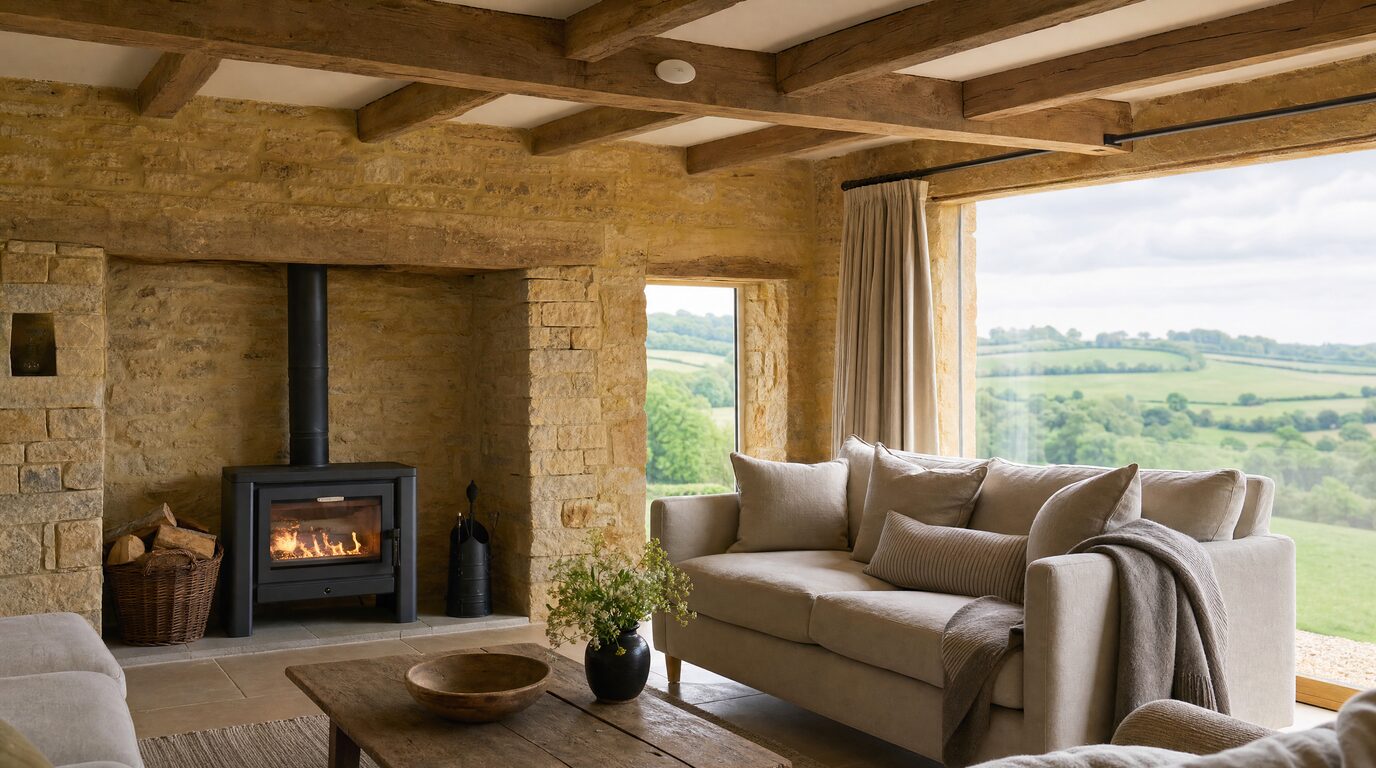
Most consumer routers are designed for a modern brick-and-plasterboard house. A stone farmhouse in a South Northamptonshire village, a thatched cottage outside Brackley or a converted barn near Silverstone is a different animal. Solid stone and old brick walls absorb radio signal aggressively — one or two thick walls between the router and your sofa can be enough to kill a 5GHz connection entirely. Add deep window reveals, exposed oak beams and odd extensions built over centuries, and you get shadows the signal simply cannot reach.
Distance matters too. Many rural homes are still served by FTTC — fibre to the green cabinet in the village, then old copper telephone line the rest of the way to your house. The further you are from that cabinet, the slower and less stable the connection gets, and outlying properties are often a long way down the lane. So even before your WiFi has a chance to fail, the connection coming into the house may already be struggling.
Country living usually means more than four walls: an annexe, a stable block, a workshop, a home office in the garden. A single router in the hallway was never going to cover an acre. We covered the outbuilding side of this in detail in our guide to fibre vs Starlink vs wireless bridges.
If you want to dig deeper into the root causes, we've written a plain-English breakdown of why your WiFi is slow.
Before you can spread WiFi around the house, you need a decent connection arriving at it. In our part of the world there are three realistic routes:
The right answer depends entirely on your postcode, your line of sight and your budget — and sometimes the smartest setup is a combination, such as Starlink as the main feed with a backup connection for the days it matters.
Once a good connection arrives, the second half of the job is distributing it. This is where most DIY attempts fall down.
Plug-in "WiFi extenders" repeat a weak signal, halving your speed and adding lag in the process. Off-the-shelf mesh kits are better, but if the mesh units talk to each other wirelessly through the same thick walls that caused the problem, you've just moved the bottleneck.
A professional rural install works differently:
It depends on the size of the property, the number of zones and how much cabling is involved — which is why we don't quote blind. Our packages page sets out the real numbers for typical homes, and every job starts with a survey so the quote reflects your actual building rather than a guess.
If you'd rather start small, our £99 Network Health Check is a full assessment of your existing setup — and it's credited in full against any work you go ahead with.
Can't I just buy a better router? Sometimes a modern router helps a small, modern house. In a stone or period property it rarely fixes the real problem, because no single box can push a signal through 600mm walls. Coverage comes from placing access points in the right zones, not from more power in one corner.
Do I need to change my broadband provider? Not necessarily. We design the network around whatever connection you have — fibre, FTTC, 4G/5G or Starlink — and we'll tell you honestly if a different connection would serve the property better.
Will cables make a mess of my house? A good installer treats cable routing as part of the craft: lofts, voids, mortar lines and existing routes, kept out of sight. On listed and period buildings we work conservation-aware, with removable fixings and no cutting into stone.
How long does an installation take? Most single-house installs are completed in a day. Properties with several outbuildings or long cable runs may take two or more — the survey will tell you exactly.
Fed up with WiFi that only works in one room? Book a £99 Network Health Check via our contact page or book a visit online — or call Ricardo on 07862 441924 — and we'll map out exactly what your home needs.