All articles
8 July 2026
Starlink setup for whole-house coverage: beyond the standard router
Starlink fast at the dish but weak upstairs? Why the standard router isn't enough — bypass mode, UniFi mesh, roof mounting and cable routing explained.

8 July 2026
Starlink fast at the dish but weak upstairs? Why the standard router isn't enough — bypass mode, UniFi mesh, roof mounting and cable routing explained.
Starlink has been a genuine game-changer for rural properties across Northamptonshire, Oxfordshire and Buckinghamshire. Farms and cottages that spent years limping along on a long copper line can suddenly pull down fast, low-latency broadband from the sky. But there's a pattern we see over and over: the speed test next to the Starlink router is superb, and the WiFi upstairs, in the snug, or in the garden office is still miserable.
That's not Starlink failing. It's the difference between a fast connection arriving at your house and a network that actually distributes it. Here's how to get the second half right.
The router that ships in the Starlink kit is a perfectly decent single unit — for a small, modern, open-plan home. Rural England is not that. In a stone farmhouse or a rambling period property, the standard router runs into the same walls (literally) as any other consumer router:
So the honest framing is: Starlink solves your connection problem brilliantly. Your coverage problem still needs a network designed for the building.
Starlink includes a setting called bypass mode (bridge mode), which tells the Starlink router to step aside and hand the raw connection to networking equipment of your choice. This is the key that unlocks a professional setup.
With bypass mode enabled, we put a UniFi (Ubiquiti) network behind Starlink:
This is the same architecture we use on every whole-property job — you can read more about the approach on our rural WiFi service page and the equipment we build on at our technologies page. And on cost: same price as the Ubiquiti store — professionally installed.
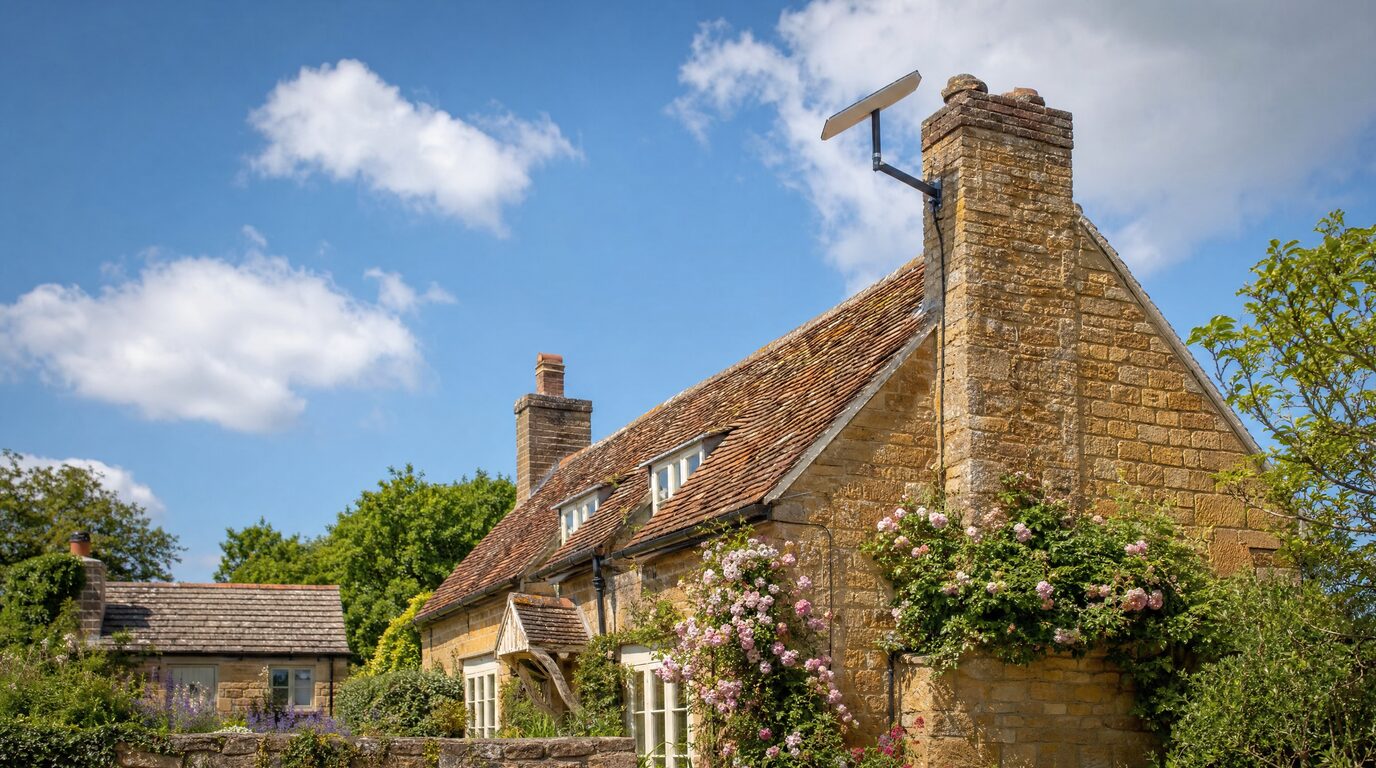
Whole-house coverage starts before the signal even enters the house: a poorly positioned dish means dropouts that no amount of indoor kit can hide. Starlink needs a wide, unobstructed view of the sky, and in practice that often means getting it high — on a roof, gable end or chimney mount — above the trees and outbuildings that block the horizon at ground level.
Roof mounting on a rural property is a job worth doing carefully: the right mount for the roof type, correct weatherproofing, and a position checked against obstructions through the seasons (that oak is a lot bigger in July than in January). We've written a full guide to positioning a Starlink dish in rural England if you want the detail.
The Starlink kit comes with a generous cable, but getting it from a chimney mount to sensible router position inside a 300-year-old building is where DIY installs tend to come unstuck. Drilling the wrong spot in stone, squashing the cable under a sash window, or leaving it flapping down the front elevation are all common — and avoidable.
On period and listed properties we route the cable the conservation-aware way: along mortar lines rather than through stone, using existing entry points and conduit where possible, with discreet clips and removable fixings that leave no lasting mark. Where the building is listed, we flag anything that might need consent before we start. The aim is a install you barely notice from the outside — and a cable run that will survive a decade of weather.
If the property includes barns or a garden office, a point-to-point wireless bridge extends the same network across the yard — no second subscription needed. Real package details are on our packages page.
Does bypass mode void my Starlink warranty or break anything? No — bypass mode is an official Starlink feature designed exactly for this: letting your own router take over. It can be switched back at any time from the Starlink app.
Can I keep using the Starlink app after bypass mode? Yes. The app still manages the dish itself — obstruction checks, stowing, firmware. Day-to-day network management moves to the UniFi app, which gives you far more visibility than the standard setup.
Will Starlink handle video calls and streaming for the whole family? Starlink's bandwidth is rarely the bottleneck in a family home — the indoor WiFi usually is. With a wired multi-access-point network behind it, simultaneous calls, streaming and gaming across the house is exactly what the design is for.
I already have Starlink — can you just fix the coverage? Absolutely, and it's one of our most common jobs. Existing kit is welcome: we keep your dish and subscription, switch the router to bypass mode, and build the network around it.
Fast Starlink, frustrating WiFi? Book a £99 Network Health Check via our contact page or book a visit online — or call Ricardo on 07862 441924 — and we'll design the network your Starlink deserves.