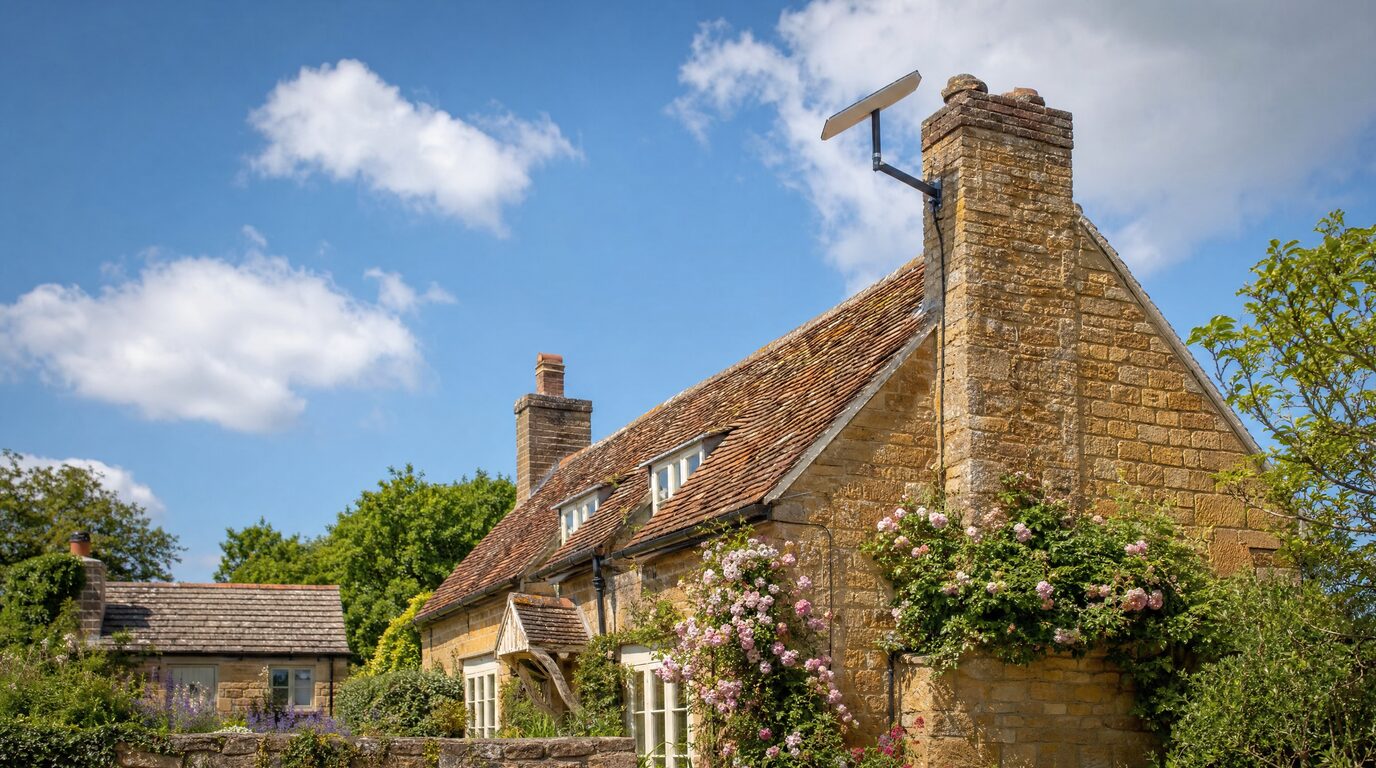
Starlink has been a genuine game-changer for rural England. Properties that waited twenty years for decent broadband suddenly have 100–250 Mbps falling out of the sky. But here's the pattern we see again and again around Towcester and the South Midlands: a household orders Starlink, plugs in the kit, runs a speed test next to the router — brilliant — and within a month they're back to complaining that "the internet is rubbish."
The internet isn't rubbish. The connection is usually excellent. What's rubbish is how that connection is being distributed around a rural property. Here are the mistakes we correct most often.
Mistake 1: treating the Starlink router as the whole network
The router in the Starlink kit is a perfectly decent bit of hardware — for a modern three-bed house with plasterboard walls. It was never designed to push WiFi through 500mm of stone, across a courtyard, or up to a second staircase at the far end of a farmhouse.
So the speed test next to the router says 200 Mbps, and the bedroom above the kitchen gets 4 Mbps on a good day. Nothing is broken. The radio simply cannot get through the building. If this sounds familiar, our guide to why your WiFi is slow explains the physics in plain English.
The fix is not a stronger router. It's a small network: the Starlink connection at the top, then wired or point-to-point links feeding proper access points in the places you actually live and work. That's what a professional rural WiFi design does.
Mistake 2: buying a mesh kit and hoping
Mesh systems are heavily advertised and they have their place — in open-plan houses with friendly walls. In a stone farmhouse, each mesh hop has to fight through the same walls your phone does, and every hop cuts the speed roughly in half. Three hops in, the kitchen node is repeating a whisper.
We regularly visit properties with £300–£500 of mesh kit in a drawer. The honest answer is that in most stone and period properties, a cable (or a wireless bridge where cabling isn't practical) beats a mesh hop every single time. Wired access points don't halve the speed, don't drop when the microwave runs, and don't confuse your devices about which node to join.
Mistake 3: forgetting bypass mode
The Starlink router insists on managing your network. When you add proper networking kit behind it — a UniFi gateway, your own access points — you can end up with two devices both trying to be in charge (double NAT). Symptoms: CCTV apps that won't connect from outside, VPNs that misbehave, smart home kit that keeps "going offline."
Starlink has a bypass mode for exactly this reason: it steps aside and lets your network do the thinking. It takes two minutes to enable and most DIY installs never touch it. If your Starlink installation is feeding anything more than a couple of phones and a telly, it should almost certainly be in bypass mode.
Mistake 4: ignoring the outbuildings
The barn office. The stables with the foaling camera. The workshop. The holiday let that pays for itself only when guests can stream. Rural life happens in more than one building, and the Starlink kit knows nothing about any of them.
Extending coverage across a yard is a solved problem — a point-to-point wireless bridge moves hundreds of megabits between buildings for surprisingly little money, no trenching required. We've written a full guide to getting WiFi into barns and outbuildings. What doesn't work is standing a repeater in a window and hoping.
Mistake 5: nobody's watching it
A whole-home network has a handful of parts: dish, router or gateway, maybe a switch, a few access points, a bridge. Any one of them can misbehave after a power cut or a firmware update — and in a rural property you often only find out when the holiday-let guest complains or the CCTV has been dark for a week.
This is why we offer monitoring and care plans on the networks we build: we can see a failed access point before you've noticed, and often fix it remotely before it matters. It's the difference between owning some kit and having a network that's quietly looked after.
Get it right once
If your Starlink is fast at the dish and disappointing everywhere else, you don't need a new provider — you need the other half of the job done. Our £99 Network Health Check measures what's actually happening in your property, building by building, and gives you a written plan (and the £99 is credited if you go ahead with the work).
One visit, honest answers, and a network that finally matches the connection you're paying for.
Need help designing your network?
Honest advice, no hard sell.
Book a Consultation